No description
| Filename | Latest commit message | Latest commit date |
|---|---|---|
| README.md | ||

CLI Essentials | git
Prerequisites
- basic understanding of what git is
- basic understanding of how to use git from the IDE
What is git
Git is a version control system — a timeline for your code. Every commit is a snapshot, and Git lets you navigate between them.
Run Through
| Command | Purpose |
|---|---|
git clone |
Copy a remote repository locally. |
git status |
Check what’s changed. |
git add |
Stage changes for commit. |
git commit |
Save a snapshot with a message. |
git push |
Upload your commits to the remote. |
git pull |
Download updates from the remote. |
git branch |
Create or list branches. |
git checkout |
Move between branches or commits. |
git restore |
Undo changes before committing. |
git log |
See what’s been committed. |
Demo: A Real Git Workflow
Bonus: git worktree
Enables you to check out multiple branches at the same time. Useful when hotfixing.
Add worktree
git worktree add "$TARGET_DIR" "$SELECTED_BRANCH"
checks out $SELECTED_BRANCH into $TARGET_DIR and creates a worktree registration inside the .git/worktrees/ directory of your current repo
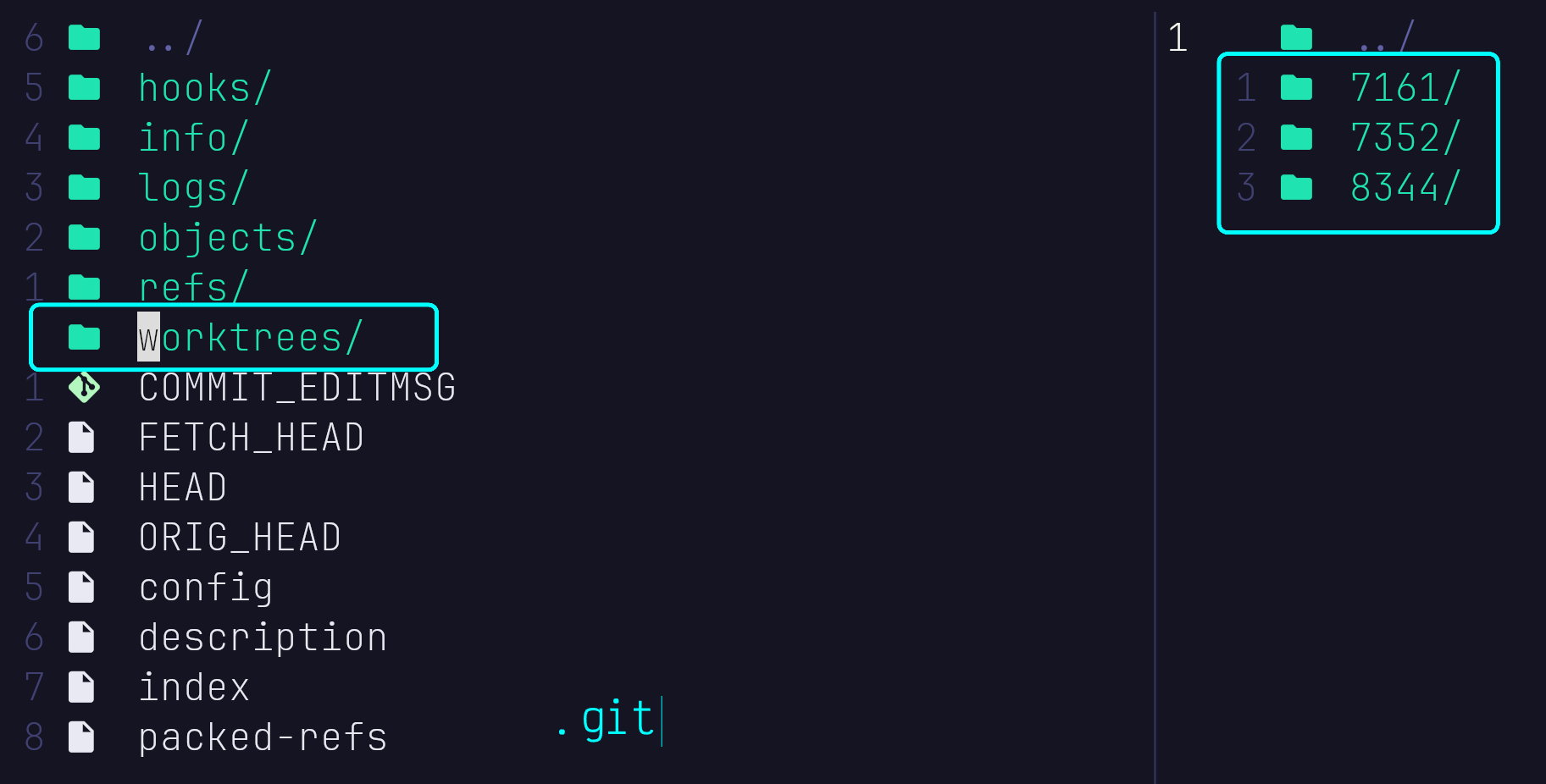
avoid using
git worktree addfrom short living branches
Remove worktree
git worktree remove "$TARGET_DIR"
- unregisters the worktree (removes its metadata from
.git/worktrees/) - safely deletes the directory for you (unless you use
--keep).
Further reading
- git hooks - Automate tasks before or after Git actions.
- git submodules - Keep other Git repos inside your repo
- git rebase - Reorganize commits before merging